

Home
Shop
Wishlist0

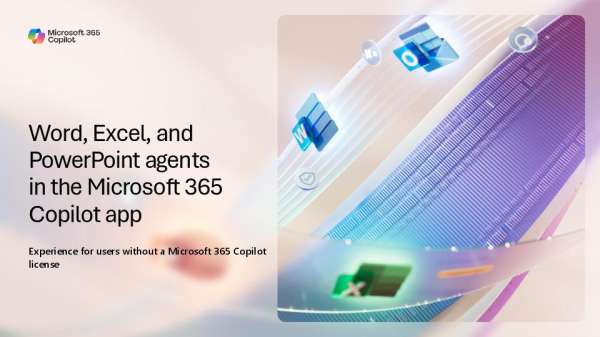
Microsoft 365 Copilot App Agents Guide: Word, Excel and PowerPoint agents in the Microsoft 365 Copilot App

Most staff never get past the setup work on a budget model or a program deck. This eBook shows how each agent creates a file from a natural-language prompt using web sources and your own documents, then refines it through chat. To get the prompt examples and step-by-step walkthrough for all three agents, download the eBook today. 💡 @Microsoft Copilot

Alaska Airlines inspires destination discovery with Microsoft Foundry | Microsoft Customer Stories

📍Alaska Airlines wanted to make destination discovery easier and more inspiring for travelers. Using Microsoft Foundry and Azure AI technologies, the airline built an experience that helps customers explore destinations and plan trips in a more intuitive way. Read the story to see how AI can help create more engaging customer experiences. @microsoft-azure

AI is becoming a bargain hunter’s market, with a few luxury models on top

AI capabilities are becoming less expensive in many areas, but longer-running agentic workloads are introducing a new cost equation. The Register’s “AI Is Becoming a Bargain Hunter’s Market, with a Few Luxury Models on Top” examines how widening price and capability choices are forcing organizations to think more carefully about which models they use for different kinds of work. 🔗 Read the article:

Microsoft 365 App Agents Handout: New Word, Excel and PowerPoint Agents Now Available in the Microsoft 365 Copilot App

Grant reports, program budgets, and board decks all start from nothing, and that first draft can eat up the most time. This one-pager introduces the Word, Excel, and PowerPoint agents in the Microsoft 365 Copilot app, which create a new file from your prompt using web information and the files you include. Read it to see how your staff can start from a draft instead of a blank page. 📄 @Microsoft for Nonprofits

Everything you need to know about Copilot Cowork

How can you take advantage of Copilot Cowork while keeping your budget in focus? Watch this quick video to understand how Cowork pricing works, estimate spend based on expected usage, and explore controls designed to help you manage costs as adoption scales. @microsoftcopilot @Microsoft-365

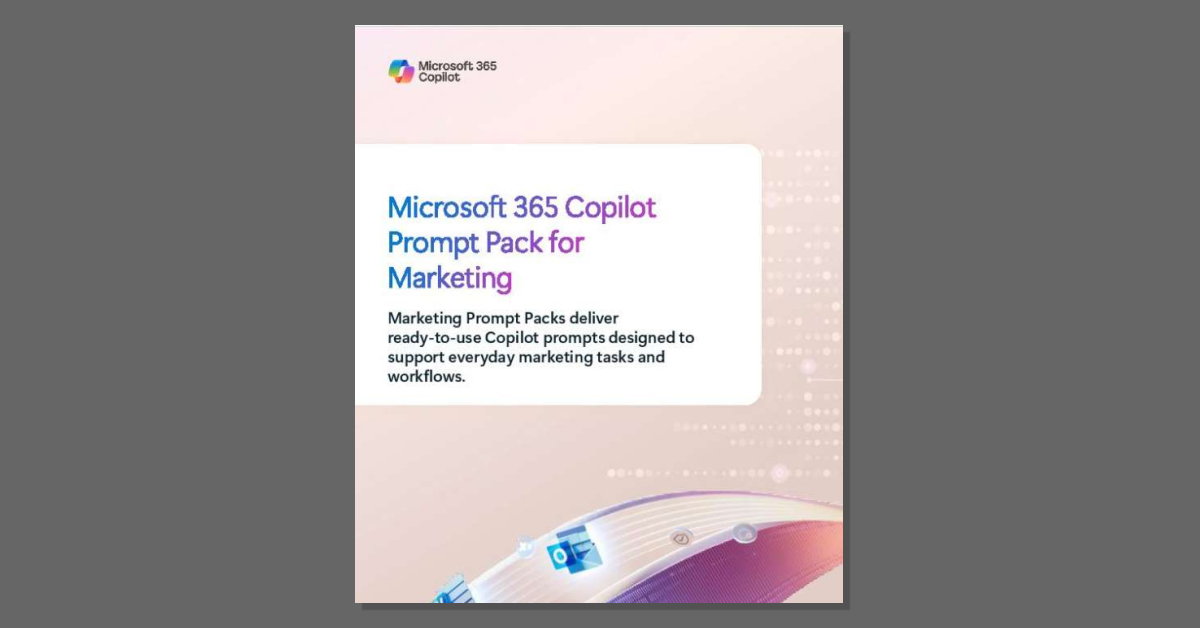
Microsoft 365 Copilot Prompt Pack for Marketing

Most Copilot users are still guessing at what to ask for. The eBook below offers ready-to-use prompts, best practices, and workflow examples covering market analysis, messaging development, launch planning, enablement, and performance measurement. To help your marketing staff work from proven prompts instead of trial and error, download the eBook today. 💡 @Microsoft Copilot

Agentic AI turning Zero Trust cybersecurity ‘on its head’ – Breaking Defense

Agentic AI is introducing a new challenge for Zero Trust: securing identities that aren’t human. Autonomous agents may need broad access to data, tools and systems, making identity and fine-grained permissions increasingly important. Breaking Defense’s “Agentic AI Turning Zero Trust Cybersecurity ‘on Its Head'” looks at how security leaders are rethinking identity and policy enforcement as AI agents become more autonomous. Read the article 👉

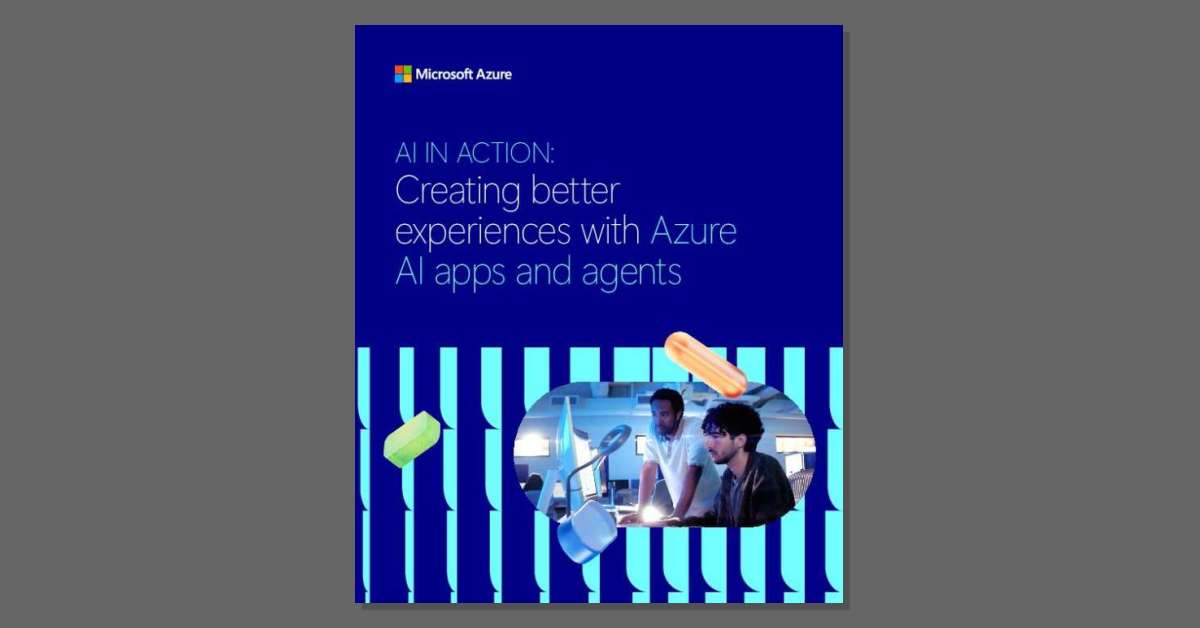
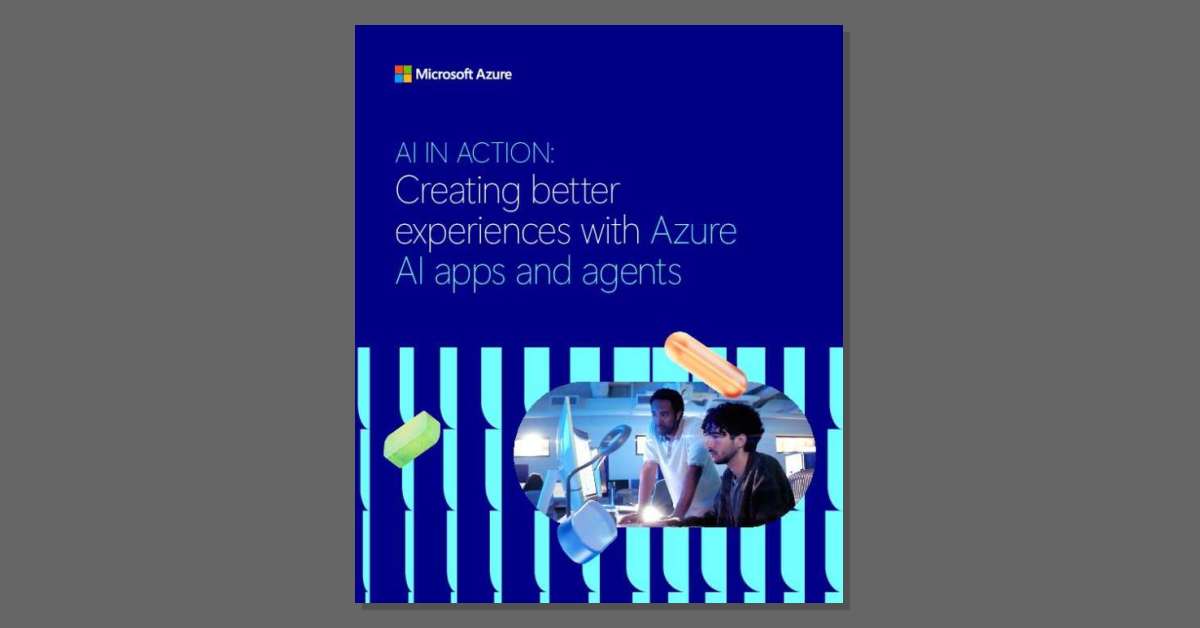
AI in action:Creating better experiences with Azure AI apps and agents

Building AI apps can get complicated fast when models, data, and tools live everywhere. 🚨 This eBook highlights how you can accelerate time to market, refine applications faster through feedback, securely connect AI to enterprise data, and empower developers with tools that streamline AI development. Download the eBook to learn how to build a strong foundation for your AI strategy. @microsoft-azure

Wrtn Azure OpenAI Service Customer Story

Manual expense processing slows teams down. When Ramp faced this problem, it turned to the Microsoft Azure AI Platform to automate 5M receipts each month – saving the company 30,000 hours of work. 😱 Read the story to understand how AI makes it possible.

Back to Top
Product has been added to your cart
Compare (0)