


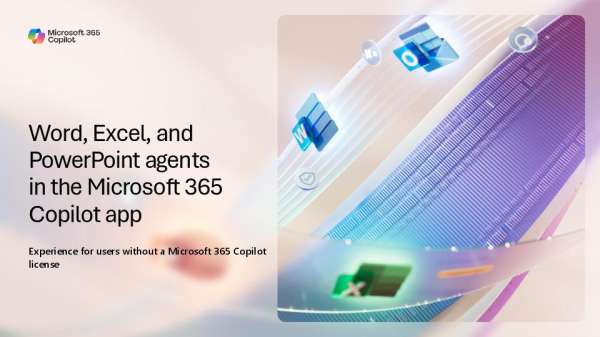
Turn a prompt into a finished file. The eBook, “Word, Excel, and PowerPoint agents in the Microsoft 365 Copilot app,” shows how to find each agent, write a prompt, answer Copilot’s setup questions, and refine the result through chat. To help your staff create and iterate faster, download the eBook by completing the form.
Microsoft 365 Copilot App Agents Guide: Word, Excel and PowerPoint agents in the Microsoft 365 Copilot App
Related Posts
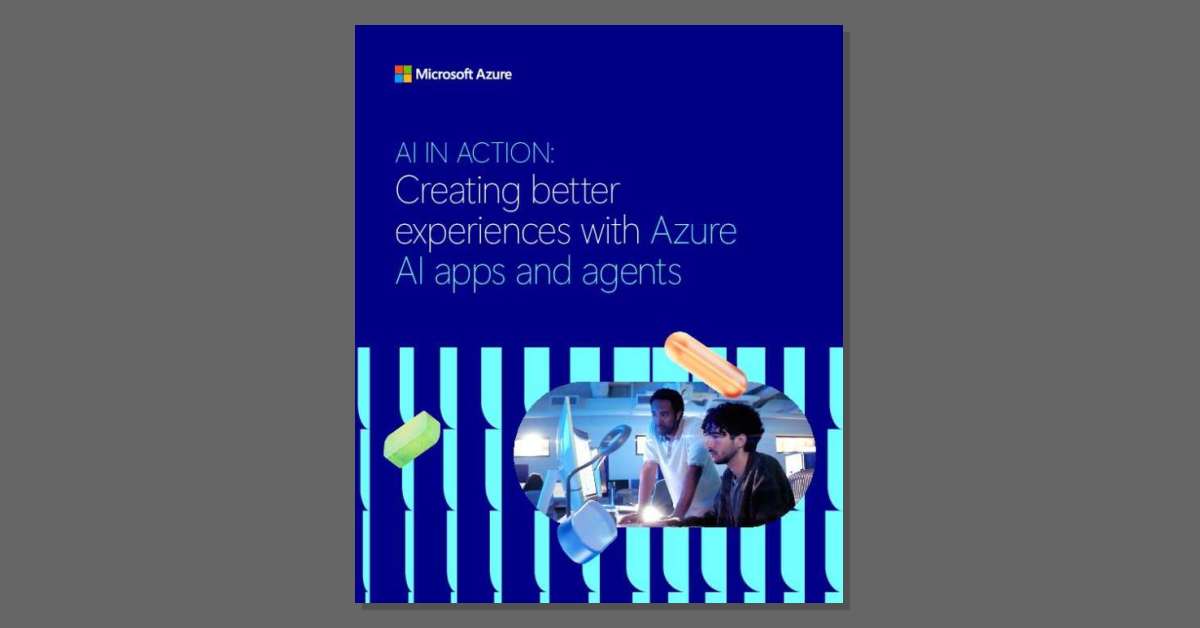
AI in action:Creating better experiences with Azure AI apps and agents
AI apps can struggle when data, services, and infrastructure don't work together. ⚠️ Download

Alaska Airlines inspires destination discovery with Microsoft Foundry | Microsoft Customer Stories
📍Alaska Airlines wanted to make destination discovery easier and more inspiring for travelers. Using
AI is becoming a bargain hunter’s market, with a few luxury models on top
AI capabilities are becoming less expensive in many areas, but longer-running agentic workloads are

Microsoft 365 App Agents Handout: New Word, Excel and PowerPoint Agents Now Available in the Microsoft 365 Copilot App
Grant reports, program budgets, and board decks all start from nothing, and that first
Everything you need to know about Copilot Cowork
How can you take advantage of Copilot Cowork while keeping your budget in focus?
Leave a comment